

A call comes in and, where the name should be, your phone says "Scam Likely" or "Potential Spam". Nobody is called that. It is a guess made by your carrier's network in the second before your phone rang.
Who puts the label there
Your carrier does. As a call arrives, the network scores it and, when the score is bad, replaces the caller's name with a warning. The caller cannot see the label and did not choose it.
Because each carrier runs its own system, the same call can be labelled on one network and arrive clean on another. The words differ too, which is why you and a friend on a different carrier see different warnings for the same campaign.
Scam Likely (T-Mobile)
"Scam Likely" is T-Mobile's label, shown by a free feature called Scam ID that is switched on for its customers. Calls are labelled, not stopped: the phone still rings.
If you would prefer those calls never to ring, turn on Scam Block, which is also free. Dial #662# to switch it on, #632# to switch it off and #787# to check which it is. T-Mobile's page on scam protection has the details.
Spam Risk (AT&T)
"Spam Risk" is the warning AT&T customers most often report seeing. It comes from AT&T's ActiveArmor service, free with every AT&T wireless plan.
ActiveArmor treats two kinds of call differently. Calls it rates as a fraud risk are blocked automatically. Calls it rates as spam are labelled, by category where it can tell (telemarketers, surveys, political calls, nonprofits and others), and you choose in the ActiveArmor app whether they ring, go to voicemail or are blocked.
Potential Spam (Verizon)
Verizon's Call Filter uses three labels: "Potential Spam", "Robo Caller" and "Potential Fraud". The basic version is free on compatible phones, and it can send any of the three straight to voicemail. Settings and the list of labels are in Verizon's Call Filter questions.
Other warnings you may see, such as "Suspected Spam" or "Telemarketer", come from the phone itself or from a smaller carrier. They mean the same thing.
How carriers decide
No carrier publishes its rules, since that would teach callers to dodge them. In general terms they look at:
- How the number behaves. Thousands of short calls in an hour, or calls to numbers that do not exist, look like a dialling machine.
- What customers report. Blocking and reporting a call feeds the score.
- Whether the caller ID could be verified. Carriers now sign and check caller ID between themselves. A call whose number cannot be verified is treated with more suspicion. See phone number spoofing.
The score belongs to the number, at that moment. It can change within a day.
Can a labelled call be real?
Yes. The labels are estimates, and they are wrong in both directions.
- Real calls get labelled. A pharmacy, a school or a small business that makes many short calls can look like a dialler. So can a number that scammers faked last week.
- Scam calls get through. A campaign on a fresh number has no history yet, so its first calls arrive with no warning at all.
A missing label is therefore not a sign that a call is safe, and a label is not proof of a scam.
Should you answer?
If you are not expecting a call, let it go to voicemail. A real caller leaves a message, and you can ring back on a number you trust.
If you are expecting one, from a doctor's office or a delivery, answer, and hang up the moment it turns out to be a recording or a sales pitch. Do not press a key or answer questions.
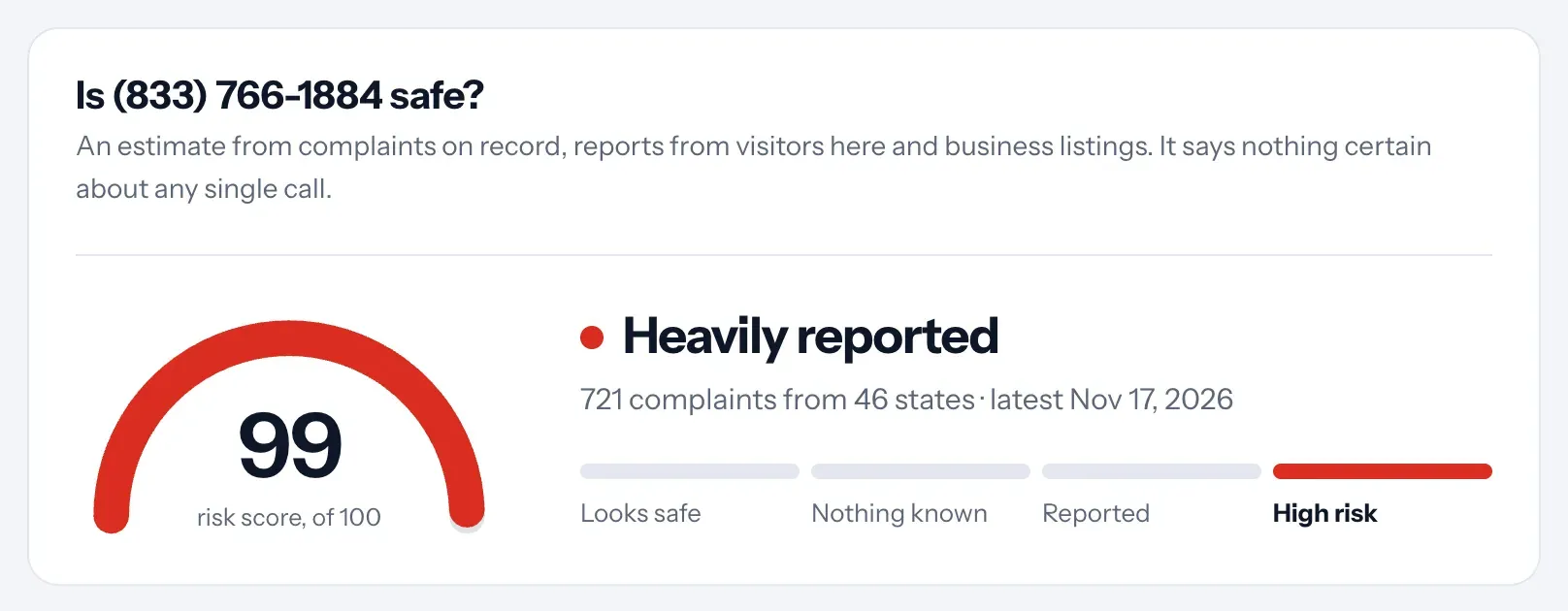
Then check the number. Our reports are drawn from complaints people filed with US regulators, 1,523,420 of them so far, so you can see what others say the calls were about and how recent they are. That is more than a two-word label can tell you.
To have labelled calls blocked instead of merely flagged, follow the steps in how to stop spam calls.
Your own number shows as spam: how to fix it
If people tell you that your calls arrive marked as spam, the cause is usually one of two things: your number was faked by a calling campaign, or your own calling pattern (many short calls, as a business might make) looks automated.
What to do:
- Ask your carrier to review the label on your number. It can see how its own network rates you.
- Businesses: register your numbers at the Free Caller Registry. It is free and run by the three analytics companies the large carriers rely on. Registration is a request, not a guarantee.
- Wait a few days if the cause was spoofing. Labels fade when the campaign moves to other numbers.
- If your number has a report on this site and the calls were not yours, tell us through the removal request form.