


We hold 1,523,420 complaints about unwanted calls and texts, and 48% of them are about recorded messages. Machines make these calls, so the defences that work are also automatic: filters at your carrier and on your phone that act before the phone rings.
The short answer: five steps, in order
- Turn on your carrier's free spam filter.
- Turn on your phone's own screening of unknown callers.
- Let calls you do not recognise go to voicemail.
- Never press a key, say "yes" or call back.
- Report the numbers that get through, then block them.
Each step is explained below. The first two take about five minutes and do most of the work.
Turn on your carrier's free spam filter
The three large US carriers each include a free filter. It works on their network, so it can stop or label a call before it reaches your phone.
- T-Mobile. Calls it suspects are labelled "Scam Likely". To have them blocked instead of labelled, turn on Scam Block: dial
#662#(and#632#to turn it off). Both are free. T-Mobile's instructions. - AT&T. ActiveArmor is free with every AT&T wireless plan. It blocks calls it rates as a fraud risk by default, and lets you choose whether suspected spam rings, goes to voicemail or is blocked. AT&T ActiveArmor.
- Verizon. The basic Call Filter is free on compatible phones. It labels calls "Potential Spam", "Robo Caller" or "Potential Fraud" and can block them. Verizon Call Filter.
Each carrier also sells a paid tier. The free one is enough for most people. Smaller carriers usually offer something similar: look for "call protection" or "spam blocking" in your account.
Block spam calls on an iPhone
On current versions of iOS, go to Settings > Apps > Phone > Screen Unknown Callers and choose one of:
- Ask Reason for Calling. The phone answers unknown numbers for you and asks who is calling before it rings.
- Silence. Calls from numbers that are not in your contacts go straight to voicemail and appear in your recent calls.
On iOS 18 the setting is a single switch, Silence Unknown Callers, in the same place.
To block one number: open Phone > Recents, tap the number, scroll down and choose Block Caller. Apple's own steps are in its support guide.
One warning. Silencing every unknown caller also silences the pharmacy, a delivery driver or a hospital. If you are expecting a call from a number you do not have, switch it off for the day.
Block spam calls on an Android phone
In Google's Phone app, tap More options > Settings > Caller ID and spam, then turn on See caller ID & spam. Where it is offered, turn on Filter spam calls too: suspected spam then never rings.
To stop calls that hide their number, go to Settings > Blocked numbers and turn on Unknown. This blocks private and unidentified callers only. Numbers that are simply not in your contacts still ring. Google's steps are here.
Samsung and other makers ship their own Phone app with the same options under slightly different names, usually "Caller ID and spam protection".
Stop spam calls on a landline
Landlines have fewer tools, but not none.
- Ask your phone company what it offers. Many have a blocking service for home phones. The Federal Trade Commission notes that some are free and some charge a fee.
- Reject anonymous callers. On many landlines, dialling
*77turns away calls that hide their number, and*87switches it off again. It is not available everywhere. - Use a call-blocking device. A small box between the wall and the phone can hold a list of blocked numbers.
If your "landline" comes through your internet router, your provider's blocking tools are usually better than those for an old copper line.
Does the Do Not Call list help?
It helps with lawful telemarketers and nobody else.
You can add a number free at donotcall.gov or by calling 1-888-382-1222 from the phone you want to register. Registration never expires, and it can take up to 31 days for sales calls to stop.
Some callers are still allowed: political campaigns, charities, debt collectors, surveys, and companies you recently did business with. And in the Federal Trade Commission's own words, being on the Registry will not stop calls from scammers, who ignore it.
So register, because it costs nothing, but do not expect it to end the calls.
What not to do: press 1, call back, argue
- Do not press a key to "be removed". It tells the dialler that your number answers, and can lead to more calls.
- Do not call back. A missed call from a number you do not know is often the whole point. See what happens if you call back.
- Do not answer questions, especially ones that can be answered "yes".
- Do not argue or try to waste their time. You are talking to a machine, or to someone paid by the hour.
Hang up. That is the whole of the official advice, and it is right.
Report the number, and check the next one before you answer
Reports are what get a campaign blocked. In the United States:
- Unwanted call, no money lost: donotcall.gov.
- You lost money or have details about the caller: ReportFraud.ftc.gov.
- To the communications regulator: consumercomplaints.fcc.gov.
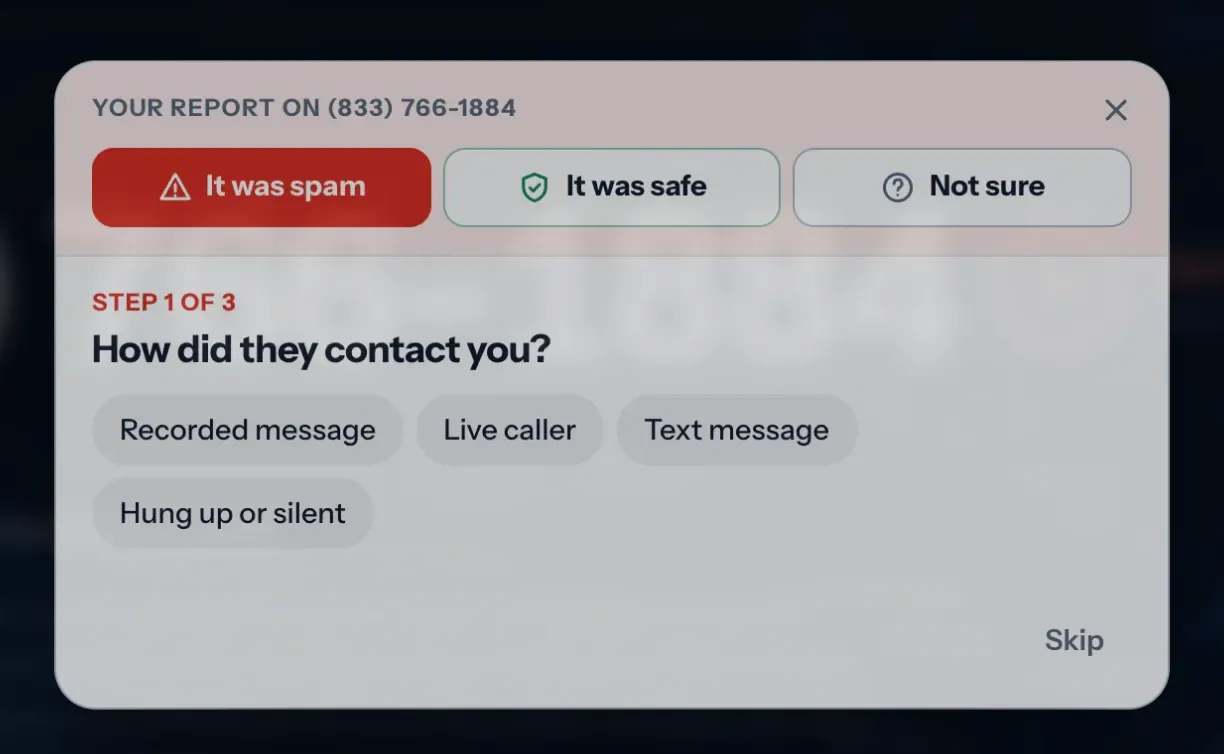
You can also report a number on its page here in two clicks, which warns the next person it calls.
And before you return a missed call, check the number. If others have reported it, you will see what the calls were about and how recent they are. If you wonder why the calls started in the first place, read why am I getting so many spam calls.